


Caméra thermique FOTRIC Ti4
- Prix habituel
- €2.999,99
- Prix soldé
- €2.999,99
- Prix habituel
-
Taxe inclu.
Frais de port calculés à la caisse.
Limited-Time Offer
Save 20% Today
Automatically applied at checkout
No code needed
Description
Tech Specs Show More Show Less
- IR Resolution
- 320 × 240
- Temperature Range
- -20°C to 650°C (-4°F to 1202°F)
- Focus System
- TurboFocus Autofocus + Manual Focus
- Field of View
- 44° × 33°
- Display
- 5-inch 720p touchscreen
- Battery Runtime
- ≥4 hours per battery
What's Included Show More Show Less
- 1 ×FOTRIC Ti4 Thermal Imaging Camera with Lens
- 1 ×Lens Cover
- 2 ×Rechargeable Batteries
- 1 ×Battery Charging Dock
- 1 ×Power Adapter
- 1 ×USB Type-C to USB Cable
- 1 ×Micro HDMI to HDMI Cable
- 1 ×64 GB SD Card
- 1 ×SD Card Reader
- 1 ×Accessory Kitwrist strap, strap holders, mounting screws, lanyard, and Allen wrench
- 1 ×Documentation Packuser manual, packing list, calibration certificate, and warranty card
- 1 ×Portable Soft Bag
- 1 ×Hard Carrying Case


Caméra thermique FOTRIC Ti4
Checkout price
€2.399,99
€2.999,99
Enregistrer 20%


Which model is right for you?
Swipe to compare more models
|
You're viewing
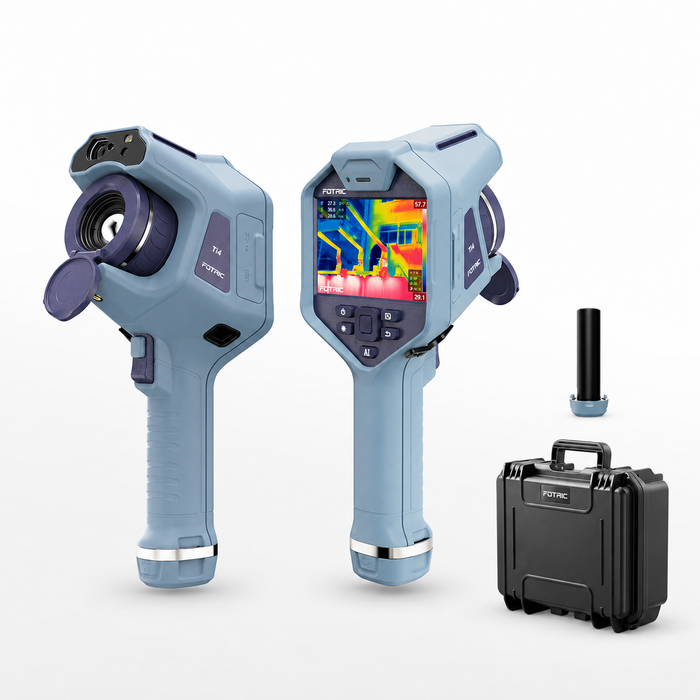 FOTRIC Ti4
View options
|
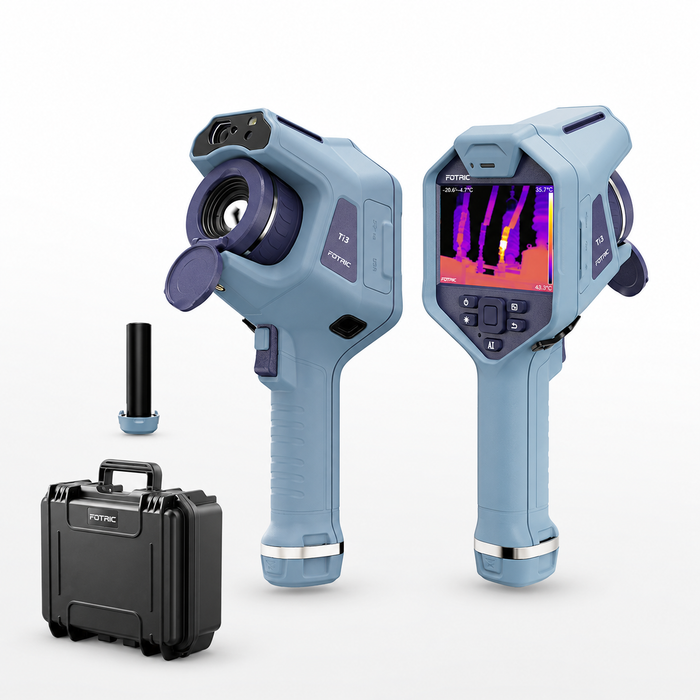 FOTRIC Ti3
View product
|
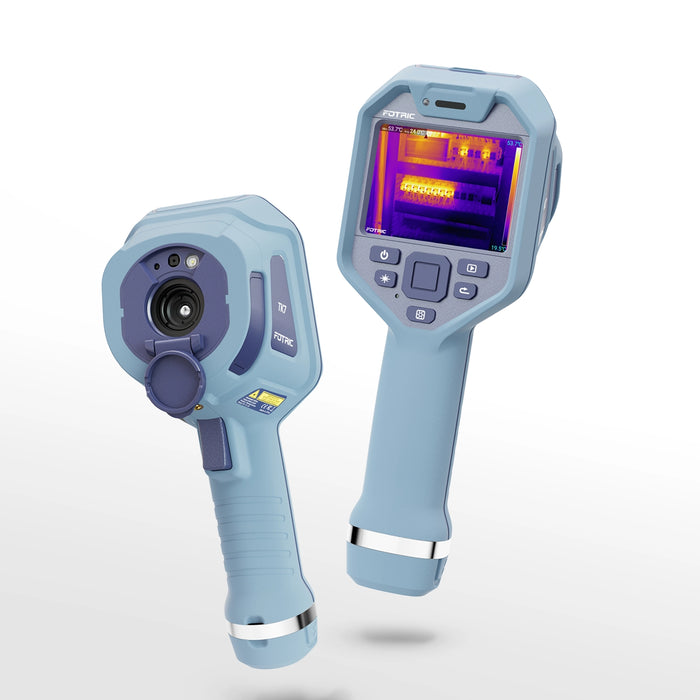 FOTRIC TK7
View product
|
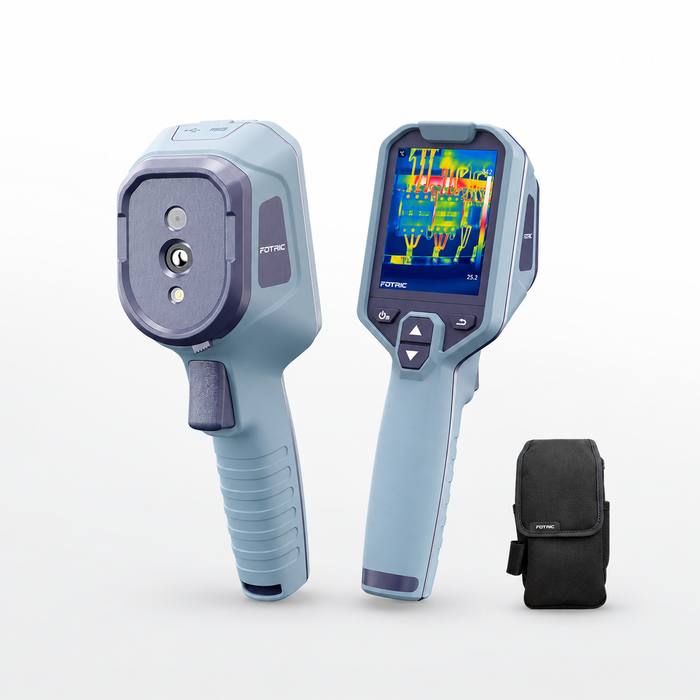 FOTRIC Therm5
View product
|
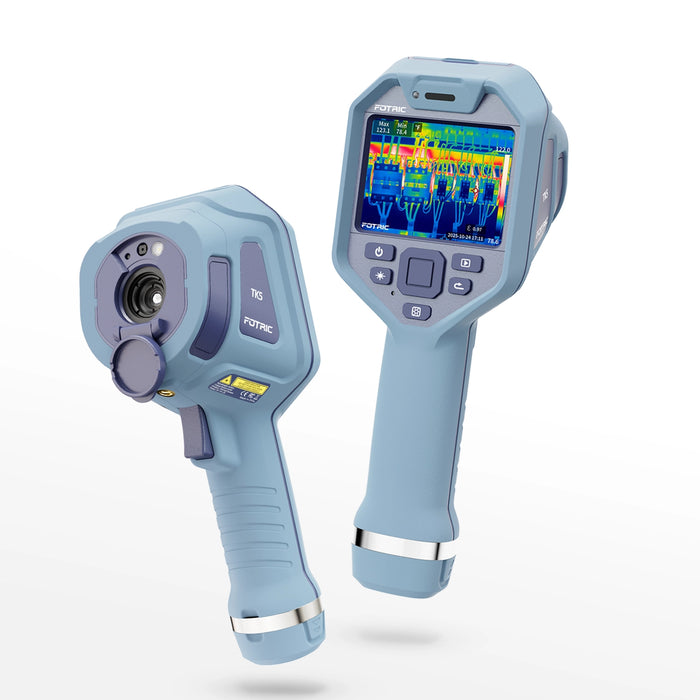 FOTRIC TK5
View product
|
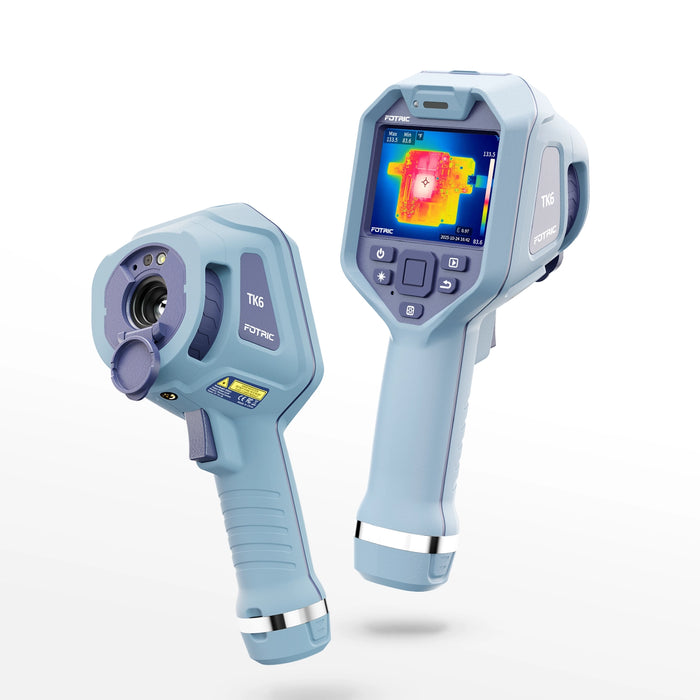 FOTRIC TK6
View product
|
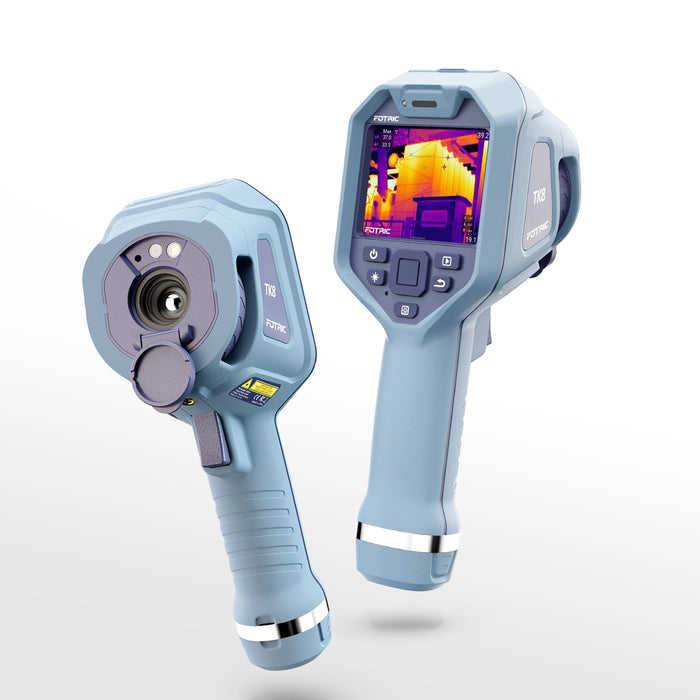 FOTRIC TK8
View product
|
|
|---|---|---|---|---|---|---|---|
| Best for | |||||||
| Price | €2.999,99 EUR | €2.549,99 EUR | €2.249,99 EUR | €529,99 EUR | €829,99 EUR | €899,99 EUR | €2.999,99 EUR |
| IR Resolution | 320 × 240 | 160 × 120 | 384 × 288 | 320 × 240 | 320 × 240 | 384 × 288 | 384 × 288 |
| Object Temperature Range | −4°F to 1202°F | −4°F to 1202°F | −4°F to 1022°F | −4°F to 842°F | −4°F to 842°F | −4°F to 1022°F | −4°F to 1022°F |
| Field of View (FOV) | 44° × 33° | 25° × 19° | 49° × 37° | 50° × 38° | 49° × 37° | 25° × 19° | 25° × 19° |
| Thermal Sensitivity (NETD) | 40 mK | 50 mK | 40 mK @ 30°C | 30 mK | 40 mK | 40 mK | 40 mK @ 30°C |
| Focus Mode | TurboFocus | TurboFocus | Focus-free | Focus-free | Focus-free | Manual | Manual |
| Display Size | 5" | 5" | 3.5-inch touchscreen | 3.2" | 3.5" | 3.5" | 3.5-inch touchscreen |
| Digital Camera | 8 MP | 8 MP | 8 MP | 2 MP | 5 MP | 5 MP | 8 MP |
Everything You Need, Right Out of the Box

Contenu du coffret
- FOTRIC Ti4 Thermal Camera with Lens & Lens Cover
- 2 Rechargeable Batteries
- Charging Dock & Power Adapter
- USB-C to USB & Micro HDMI to HDMI Cables
- 64 GB SD Card & Card Reader
- Accessory Kit & Documentation Pack
- Portable Soft Bag & Hard Carrying Case
Caractéristiques techniques
IR Resolution
320 × 240
Temperature Range
-4°F to 248°F / 32°F to 1202°F
Measurement Accuracy
±2°C or ±2%, whichever is greater
Thermal Sensitivity (NETD)
<40 mK at 30°C
Field of View (FOV)
44° × 33°
Focus System
TurboFocus Autofocus + Manual Focus
Minimum Imaging Distance
0.1 m
Image Frame Rate
30 Hz
Super-résolution (SR)
5-inch touchscreen (1280 × 720)
Digital Camera
8 MP
Digital Zoom
1–6× continuous zoom
Measurement Tools
4 spots, 3 lines, 4 areas
Battery Runtime
≥4 hours per battery
Objectifs optionnels indiqués
64 GB microSD card; expandable up to 1 TB
Protection & Durability
IP54; designed to withstand a 2 m drop with standard lens
FAQ
FAQ
Need more than just FAQs? Access our complete library of user manuals, software guides, and step-by-step video tutorials.
View All Support ResourcesWill Ti4 tell me what is wrong, or just show a hot spot?
- It helps narrow down the problem: See which connection, motor, or bearing is warmer than surrounding or comparable components.
- It supports your next decision: Use the pattern to decide where to inspect, test, or monitor more closely.
- It does not diagnose the cause by itself: A hot area may have several explanations. Operating load, equipment condition, and follow-up checks still matter.
Can it help me find where my home is losing heat without opening walls?
- Start with a non-invasive check: Scan accessible walls, ceilings, and areas around windows for uneven surface temperatures that may suggest insulation gaps or air leakage.
- Choose useful conditions: Heat-loss patterns are generally easier to see when indoor and outdoor temperatures differ.
- Know its limits: Ti4 cannot see through walls or confirm what is inside them. It helps you choose where further investigation may be worthwhile.
Is Ti4 worth choosing over a simpler, focus-free thermal camera?
- Choose Ti4 if you need more control: Autofocus and manual focus are useful when you regularly inspect targets at different distances.
- Choose it for detailed comparisons: On-camera measurement tools and annotations help when you need to compare components and document your reasoning.
- A simpler camera may be enough: If you mainly want occasional household scans to spot obvious hot or cold areas, you may not need Ti4’s additional controls.
Can I use it confidently if I am new to thermal imaging?
- Getting an image is straightforward: Autofocus helps you obtain a clear view without manually adjusting every shot.
- Start with comparisons: Compare similar components under similar conditions instead of assuming every bright area is a fault.
- Allow time to learn measurement basics: Surface emissivity, reflections, distance, and focus affect readings. Shiny metal is particularly easy to misinterpret.
Will it show small components clearly from where I need to stand?
- It depends on size and distance: The farther away you are, the fewer thermal pixels a small component occupies.
- Focus is only part of the answer: Ti4’s 320 × 240 detector and adjustable focus help capture detail, but a visible target is not automatically large enough for an accurate temperature reading.
- Check your actual inspection needs: Before buying for small parts or distant equipment, provide the target dimensions and working distance so suitability can be assessed.
Can I use the results to explain a repair to a customer or technician?
- Show the area of concern: Save thermal images and add annotations identifying the equipment and what you observed.
- Make comparisons meaningful: Record operating conditions and compare similar components so the temperature difference has context.
- Support the discussion: A clear visual record helps explain why further inspection is recommended, without presenting the image alone as proof that a component must be replaced.